Proposals & bids
Check authors, last saved by, comments, revision traces, hidden sheets, and presentation notes before submission.
New in 4.0 · iPhone, iPad & Mac
Inspect Office documents, PDFs, and photos for authors, GPS, concealed AI prompts, hidden text, attachments, and disguised formats—then remove supported privacy fields and export a clean copy.
iPhone · iPad
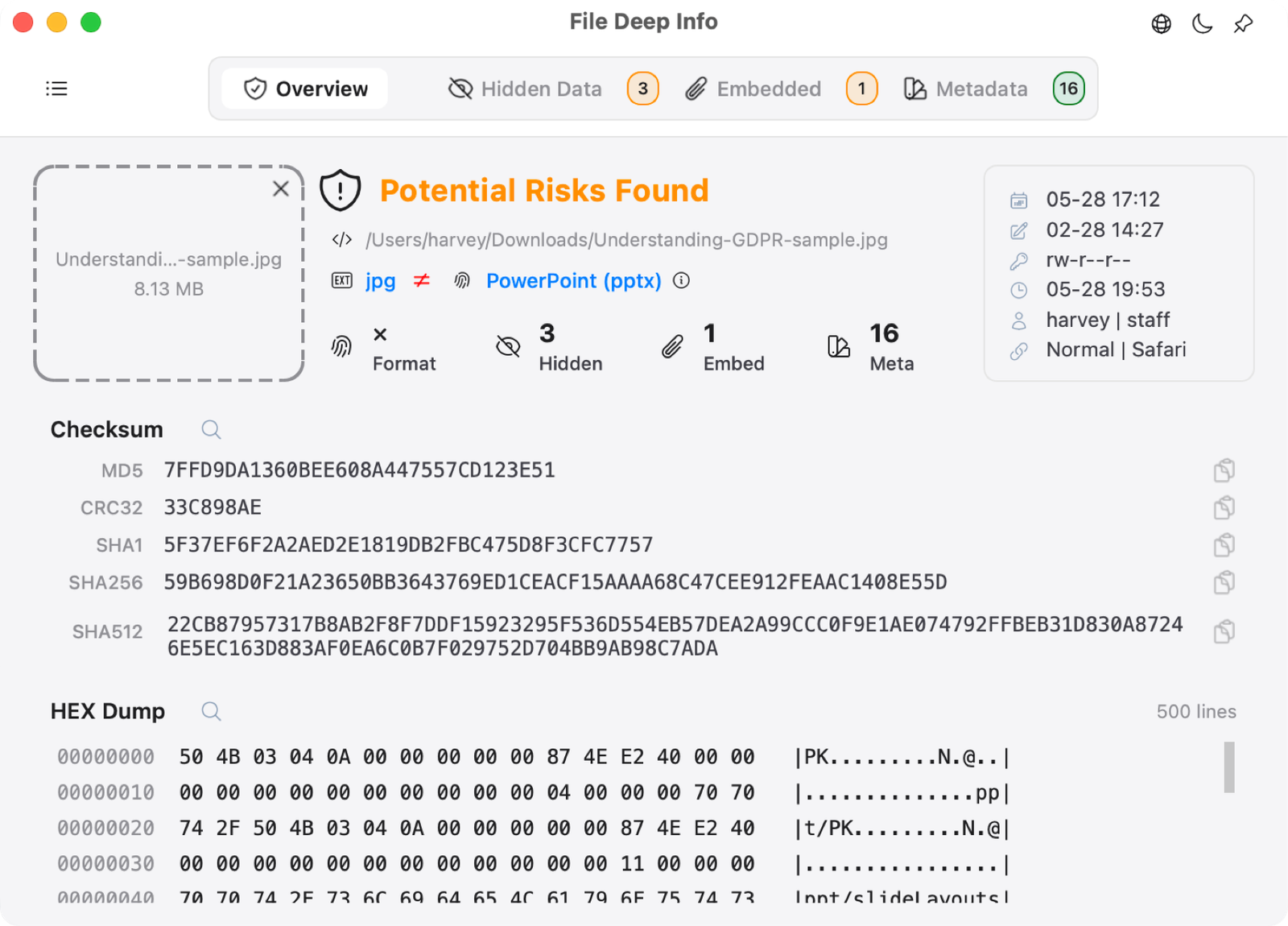
Check a document on iPhone before sharing it. On iPad, review hidden sheets and metadata side by side with your file list. Inspect actual formats, explore nested attachments, and save a clean copy with Pro.
One Pro purchase for iPhone, iPad and Mac.
See what it checks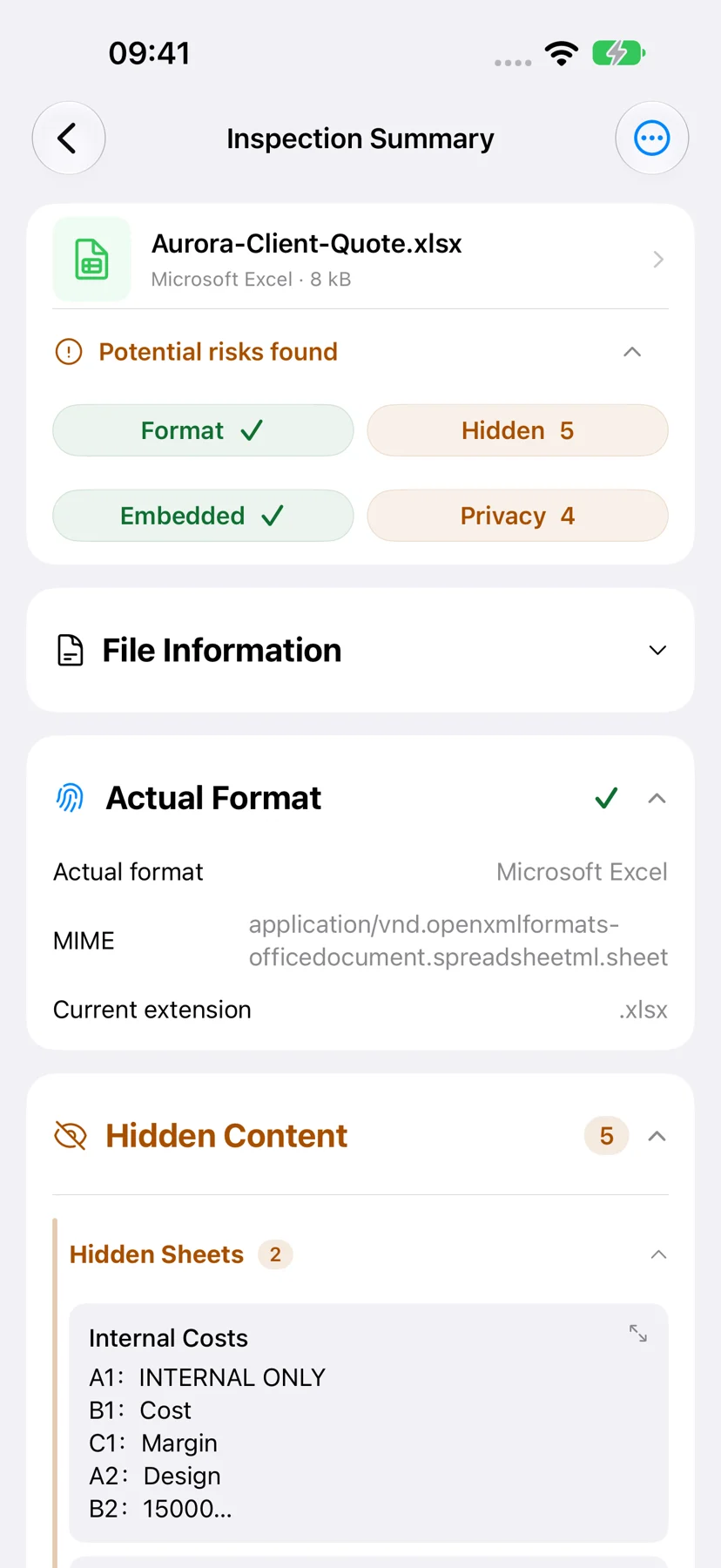
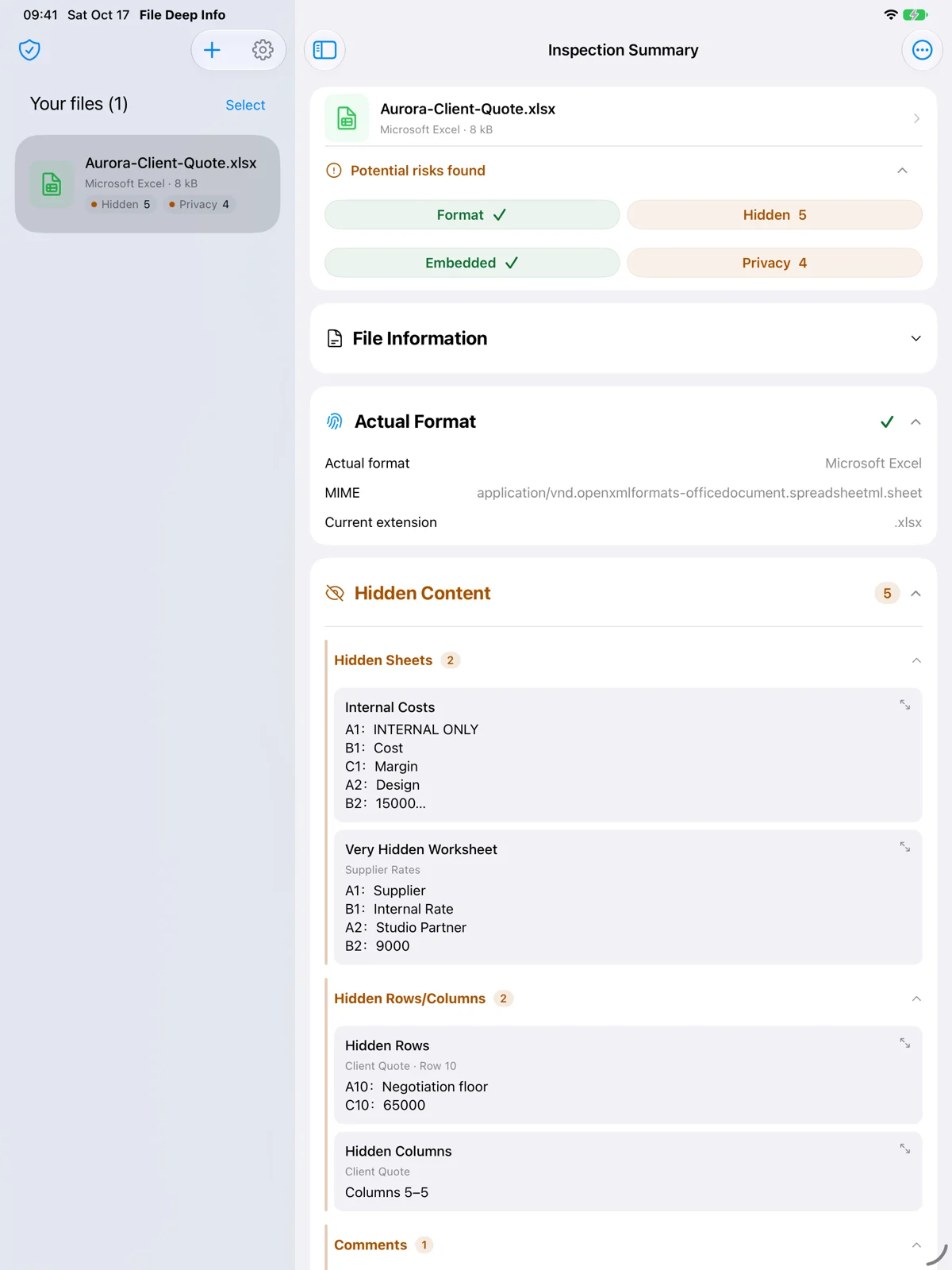
Check authors, last saved by, comments, revision traces, hidden sheets, and presentation notes before submission.
Review document properties and embedded files before sending materials to clients or external partners.
Before publication or review, inspect personal details, annotations, and AI prompts concealed using hidden or background-matching text.
Inspect EXIF, GPS, capture time, camera details, and other metadata before posting or delivering images.
Import multiple files for automatic background analysis. See each file’s risk status and finding counts directly in the file list.
On Mac, sort findings by check, count, or risk level and open object or property details directly. Select supported privacy fields to remove.
Choose where to save the new file. The original is not overwritten.
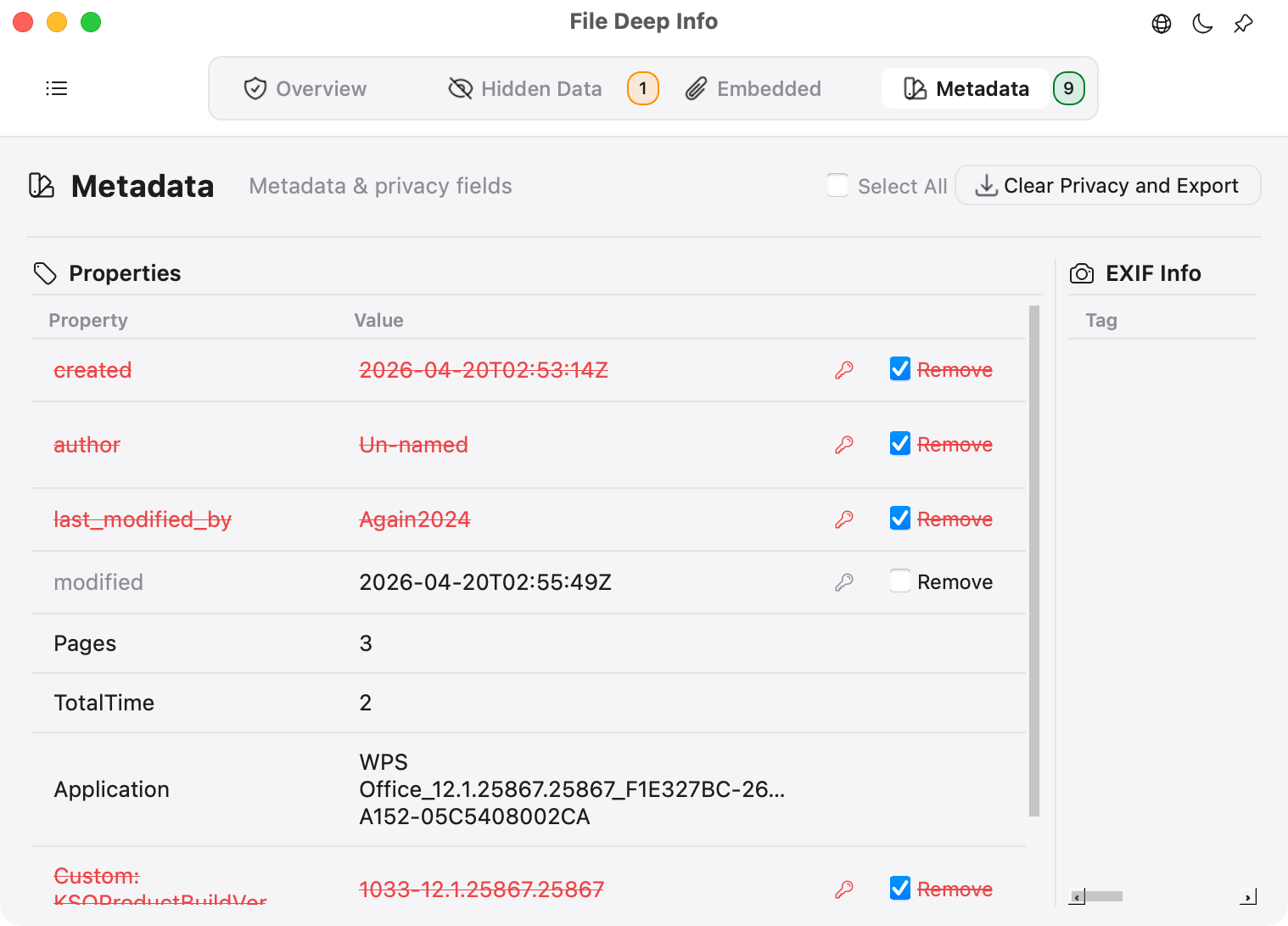
Review EXIF, GPS, author, company, creation and modification dates, last saved by, and custom properties. Remove supported fields selectively and save a clean copy.
See what it checks Reveal concealed AI prompts and background-matching text in Office, plus transparent and zero-size text in PDFs. Inspect hidden sheets, slides, notes, layers, and fake-redaction clues. On Mac, inspect hidden Excel rows, columns, background-matching text, and hidden cell formatting, with formulas and cell locations in the details.
See what it checks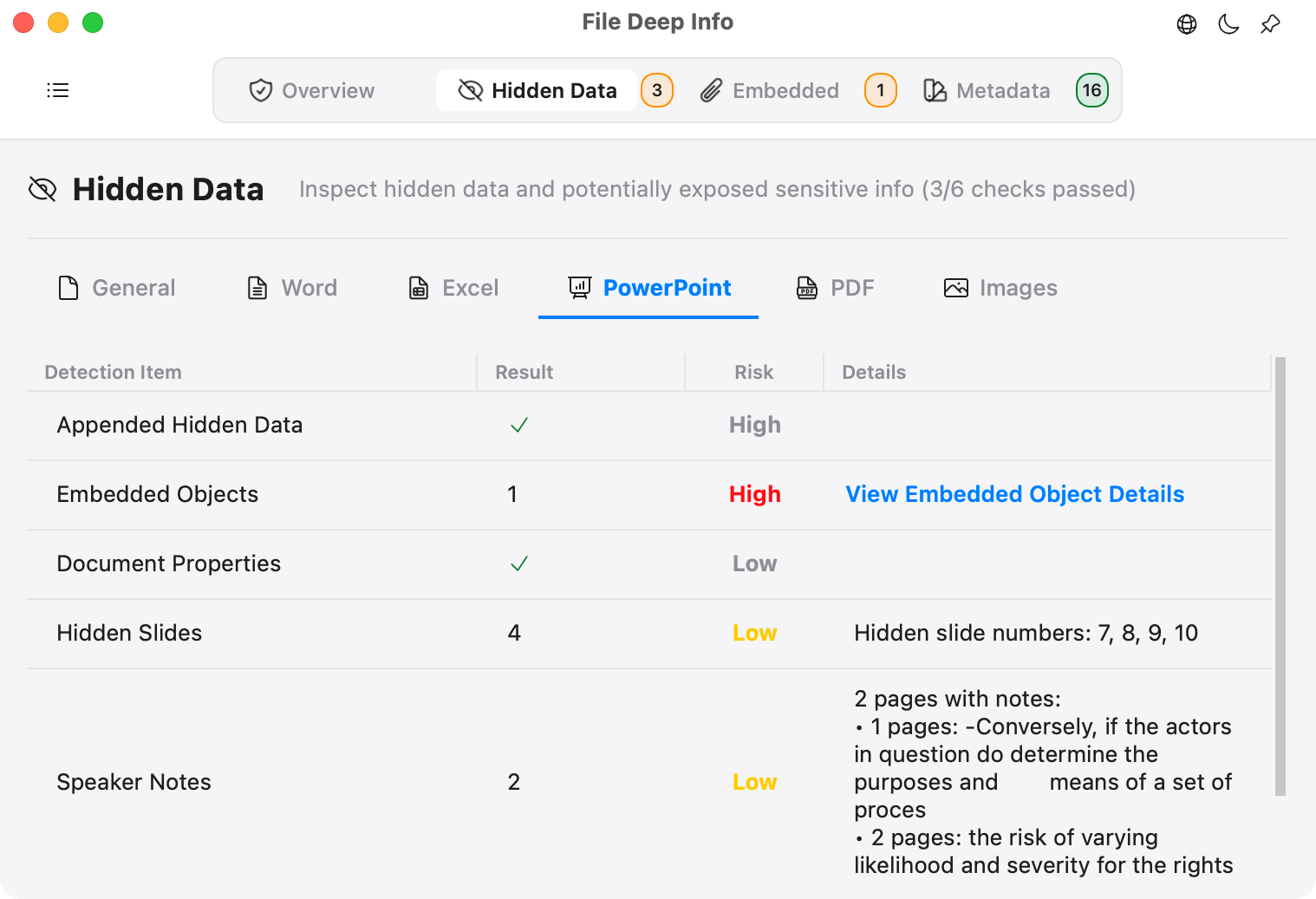
Verify the real type with MIME, Magic Number, and binary signatures—useful for mismatched extensions, extensionless files, and disguised content.
See what it checks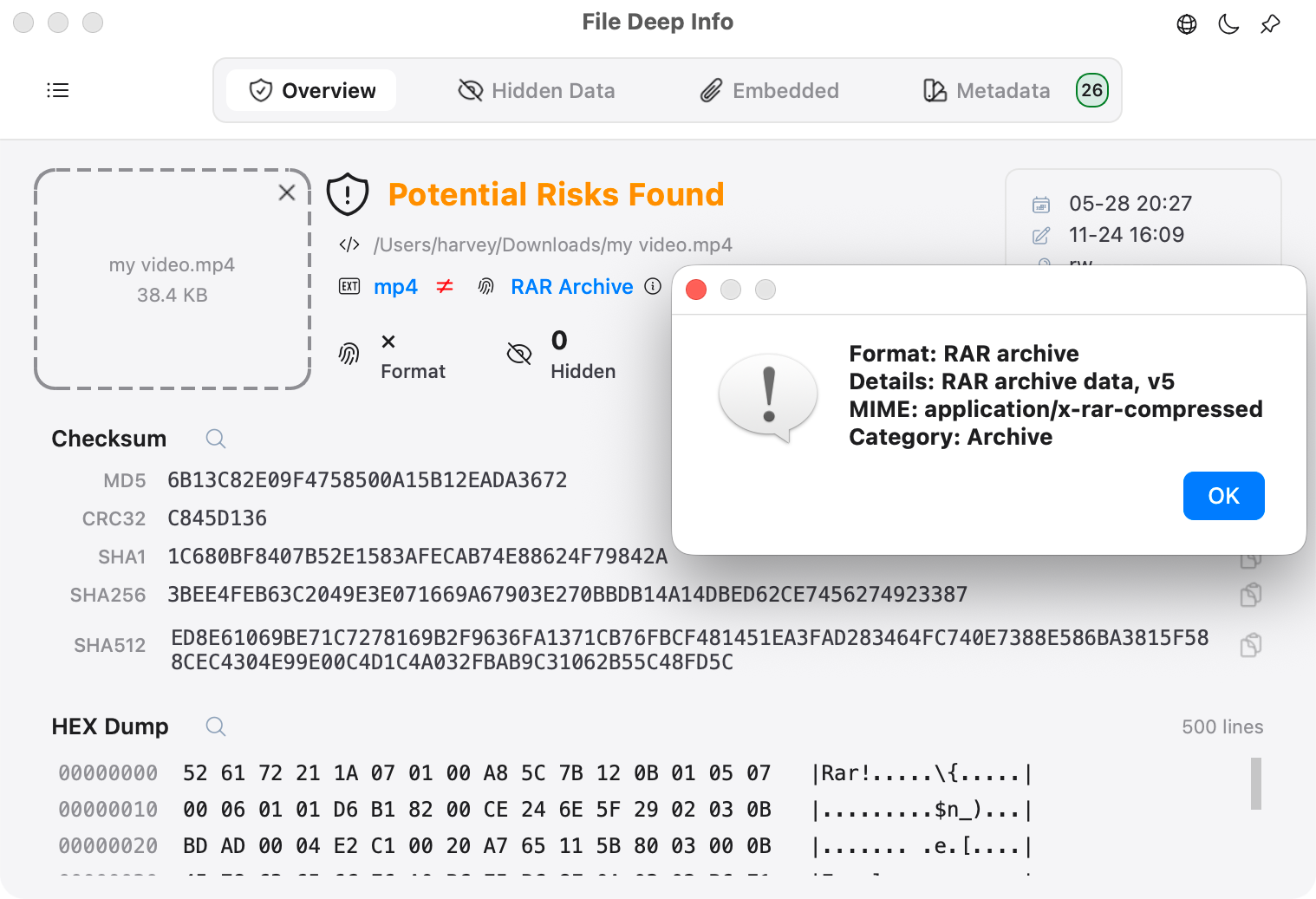
Detect and export Office OLE objects, PDF attachments, iWork resources, nested containers, and data appended after EOF.
See what it checks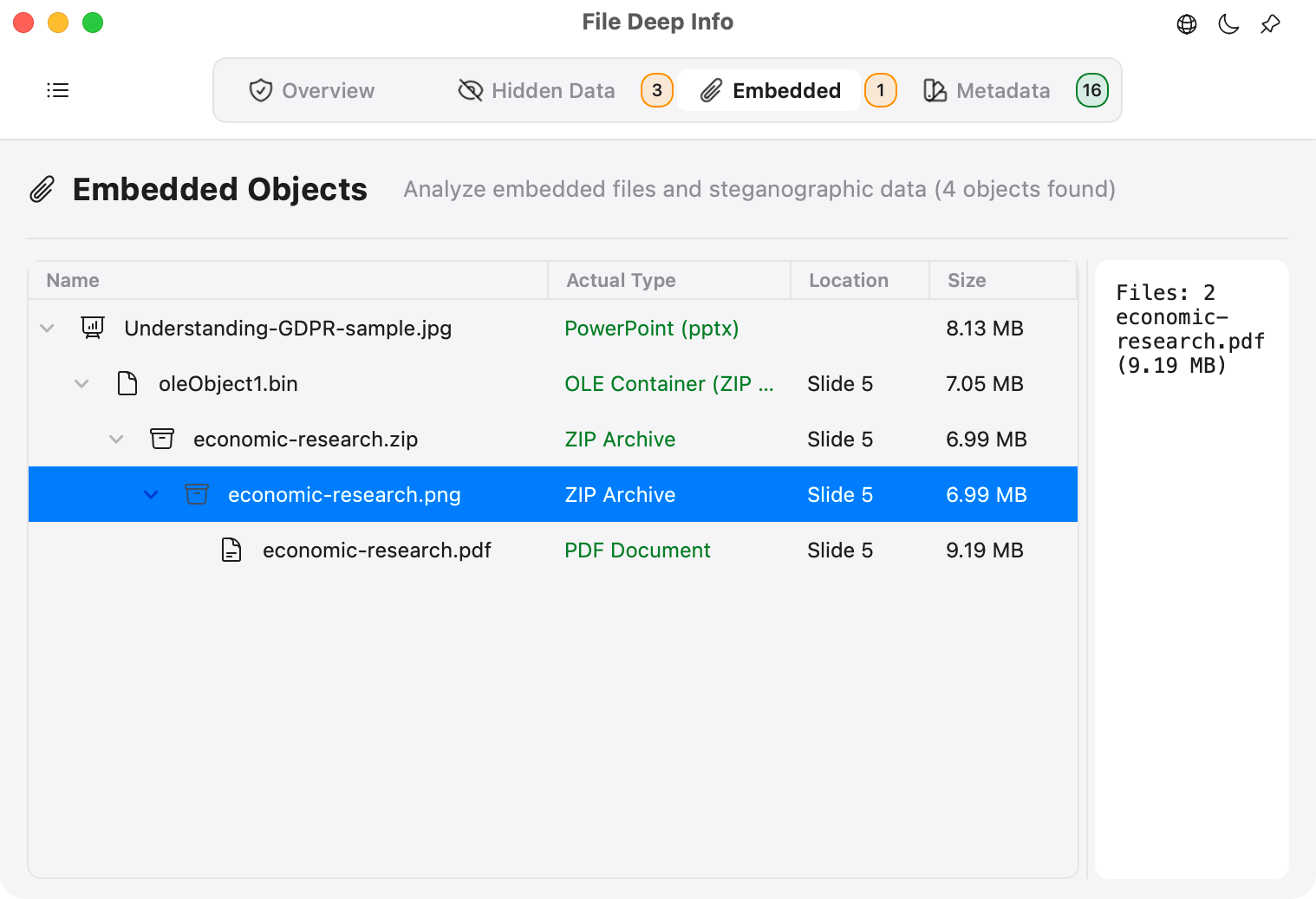
Calculate MD5, SHA1, SHA256, SHA512, and CRC32 in one pass, then inspect the file header and basic binary structure.
See what it checks File contents and results are processed on your iPhone, iPad, Mac or Windows PC. Cleaned files are saved as new copies in the location you choose.
File Deep Info is a universal app. Buy Pro once and use it on iPhone, iPad and Mac with the same Apple Account. No subscription.
Download File Deep Info for iPhone, iPad, Mac or Windows and inspect files directly on your device.